Chemistry, Digitized.
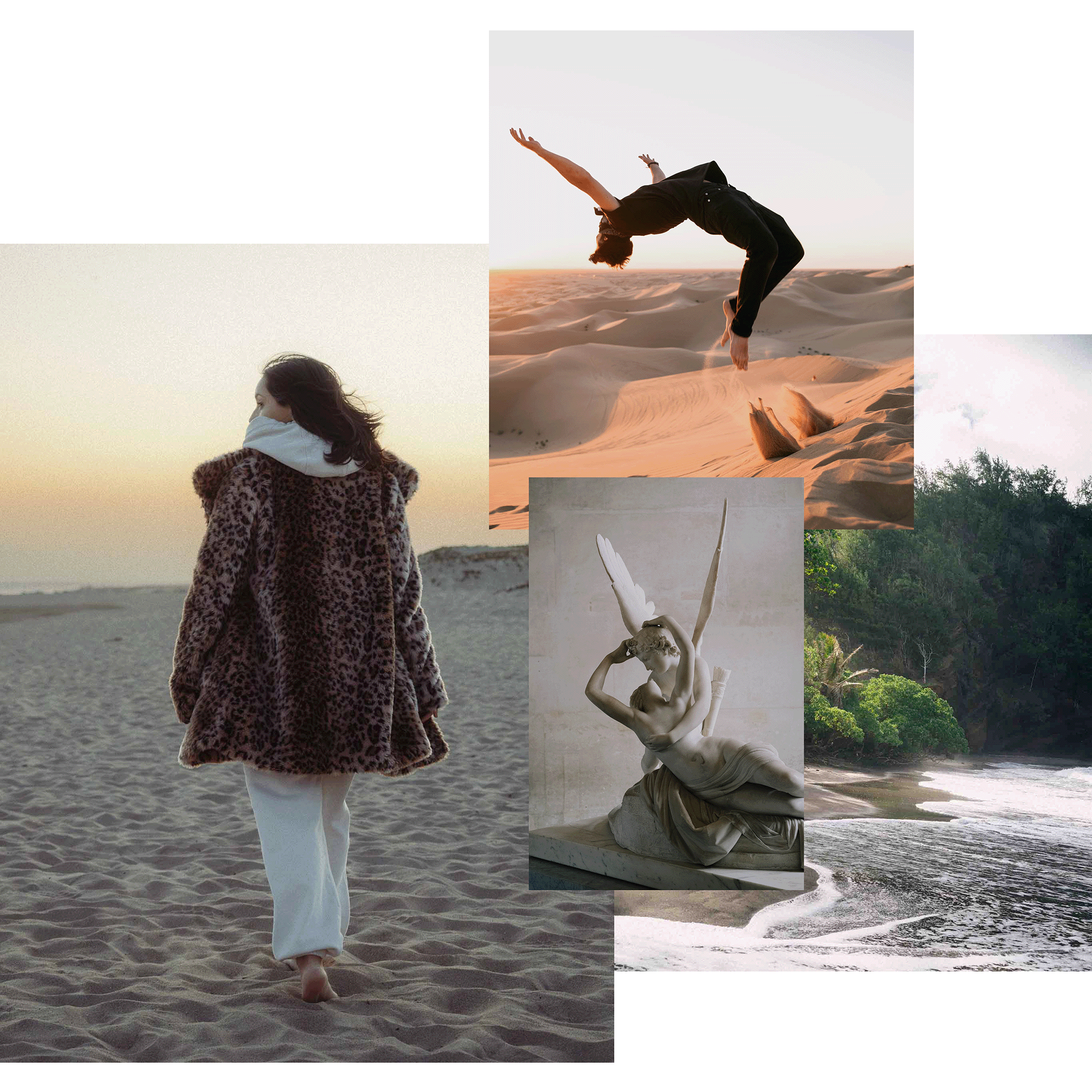
We reverse-engineered the most iconic film stocks into professional film presets for Lightroom to give your photos the texture, depth, and character of real analog photography.
The Modern Darkroom
3D Color Science
We didn't just move sliders. We built custom 3D Look Up Tables (LUTs) that remap your sensor's data at the pixel level, delivering depth and nuance that standard presets simply cannot achieve.
Authentic Film Looks
We analyzed the spectral response of real film stocks from the depth of Tri-X to the warmth of Portra to replicate the color, texture and soul of chemical photography.
Hybrid Workflow
Your download includes native XMP files optimized for Lightroom Classic and Lightroom CC, ensuring your color grades sync seamlessly across your desktop and devices.
Shop Film Profiles






Love The Results
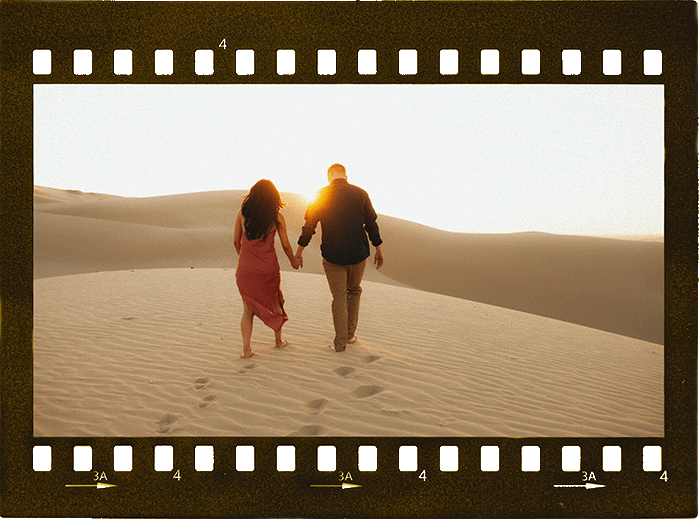
Or Your Money Back.

The Master Collection - Film Presets for Lightroom
The complete history of analog color. From the golden warmth of Aura to the cinematic grit of Verité, the Master Collection places the chemistry of 78 iconic film stocks at your fingertips. This is more than a bundle; it is a comprehensive digital darkroom designed to unify your portfolio with a cohesive, soulful color language, no matter what you shoot.
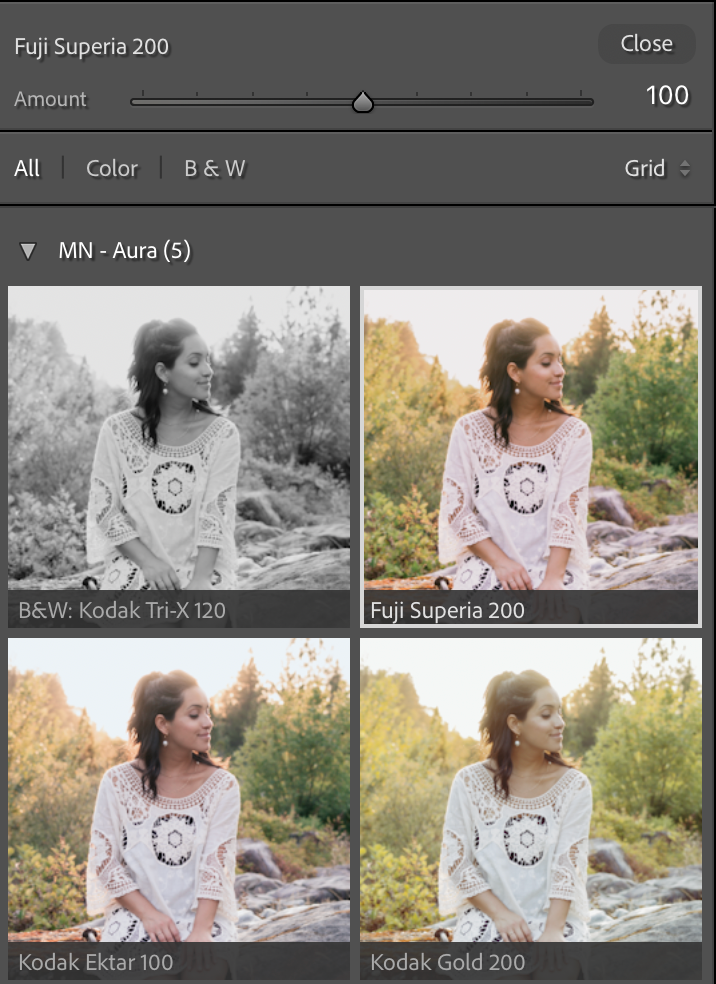

Beyond Lightroom Sliders
Most presets simply push your basic adjustments around, limiting your ability to edit. Modern Negative uses deep-level 3D Look Tables (LUTs) to remap color science at the sensor level, giving you a foundation that sliders alone cannot achieve.
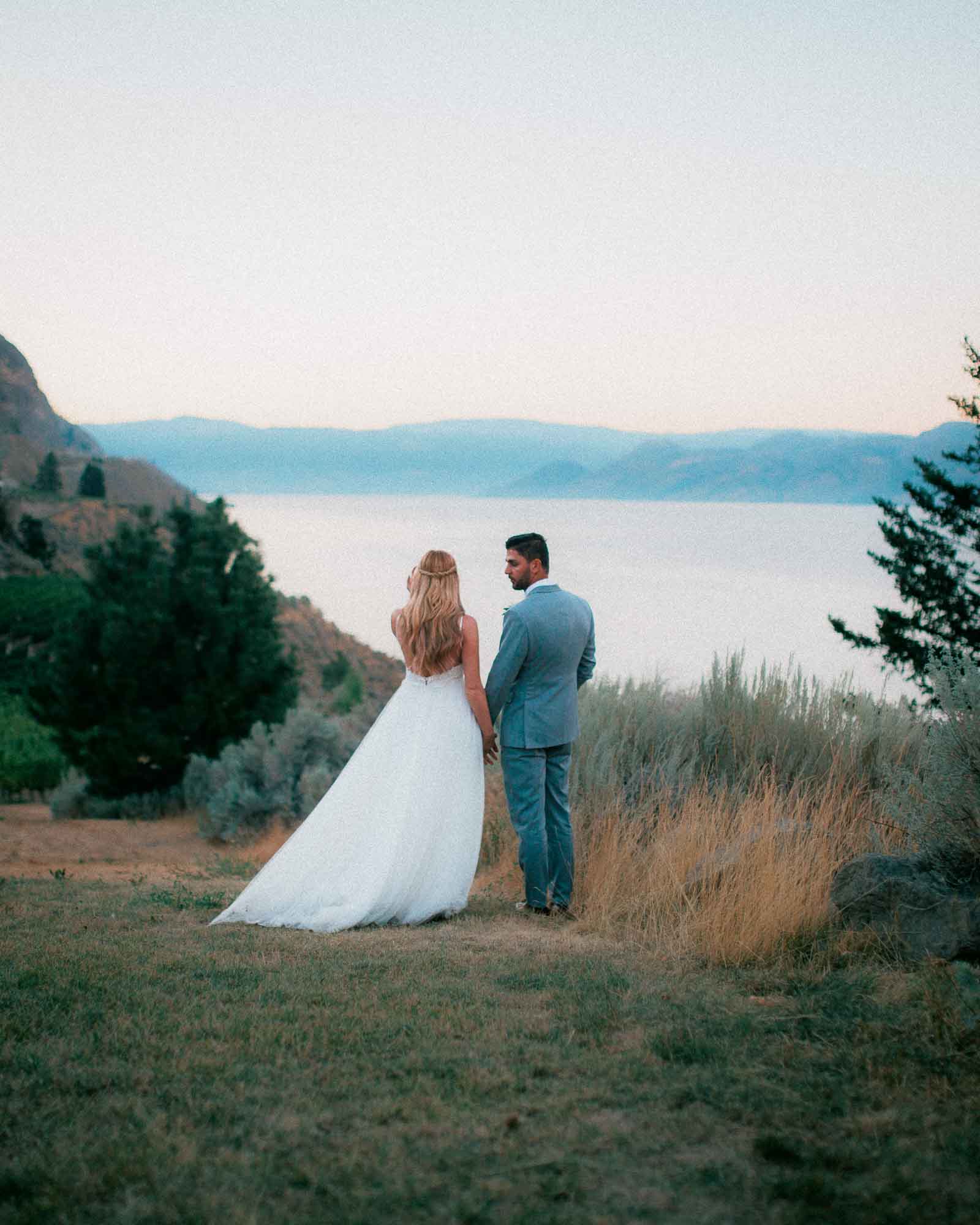
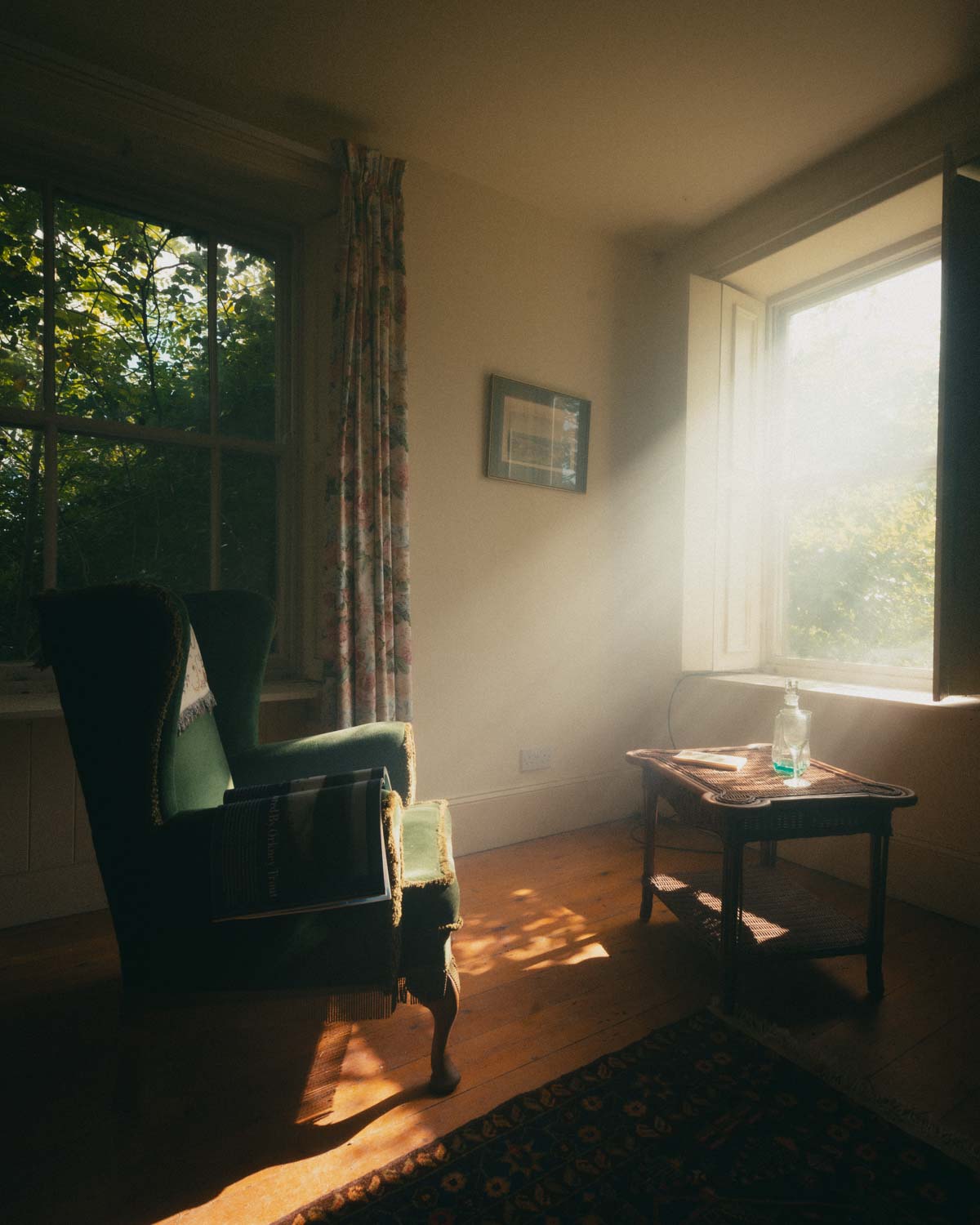
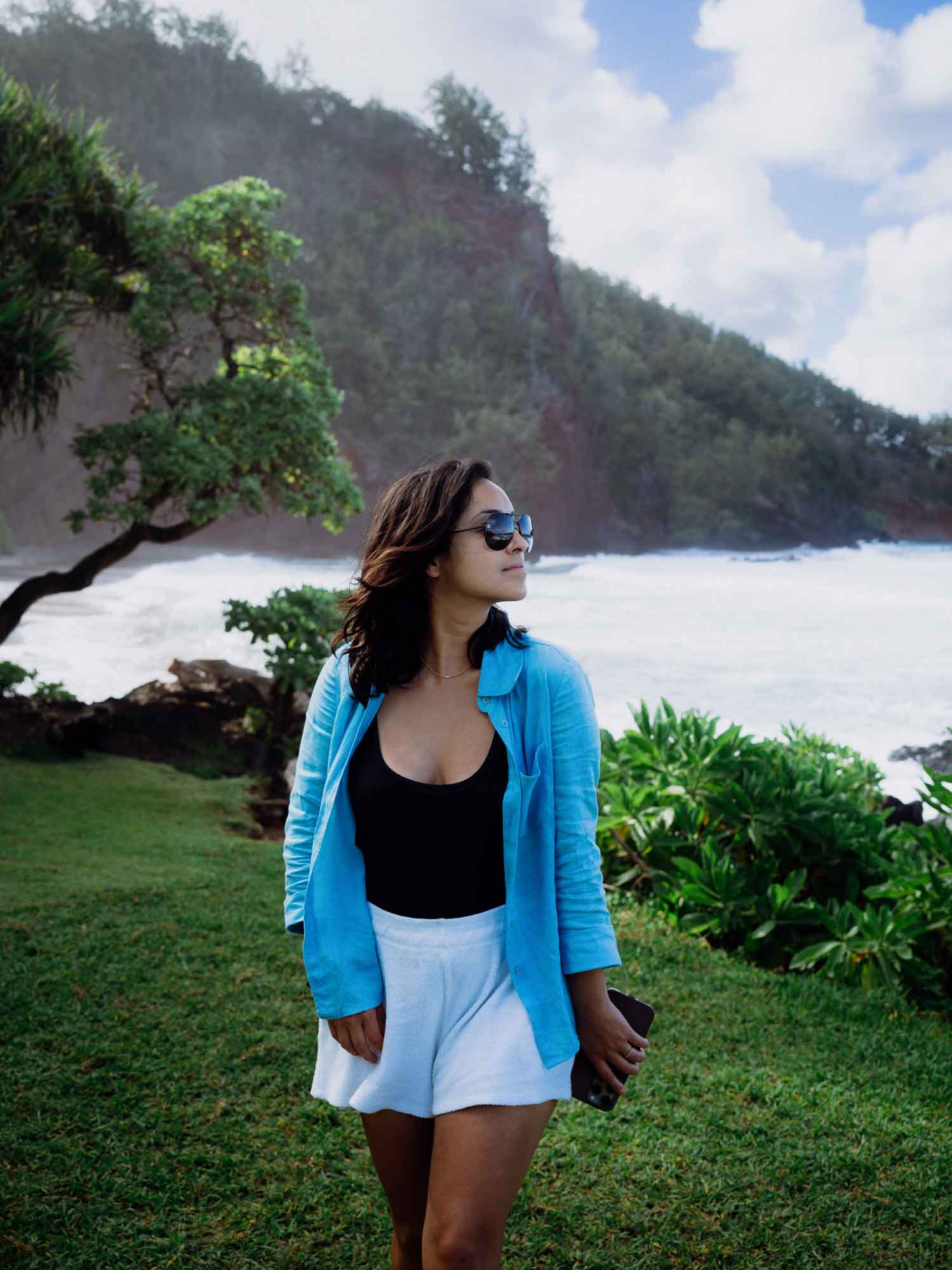
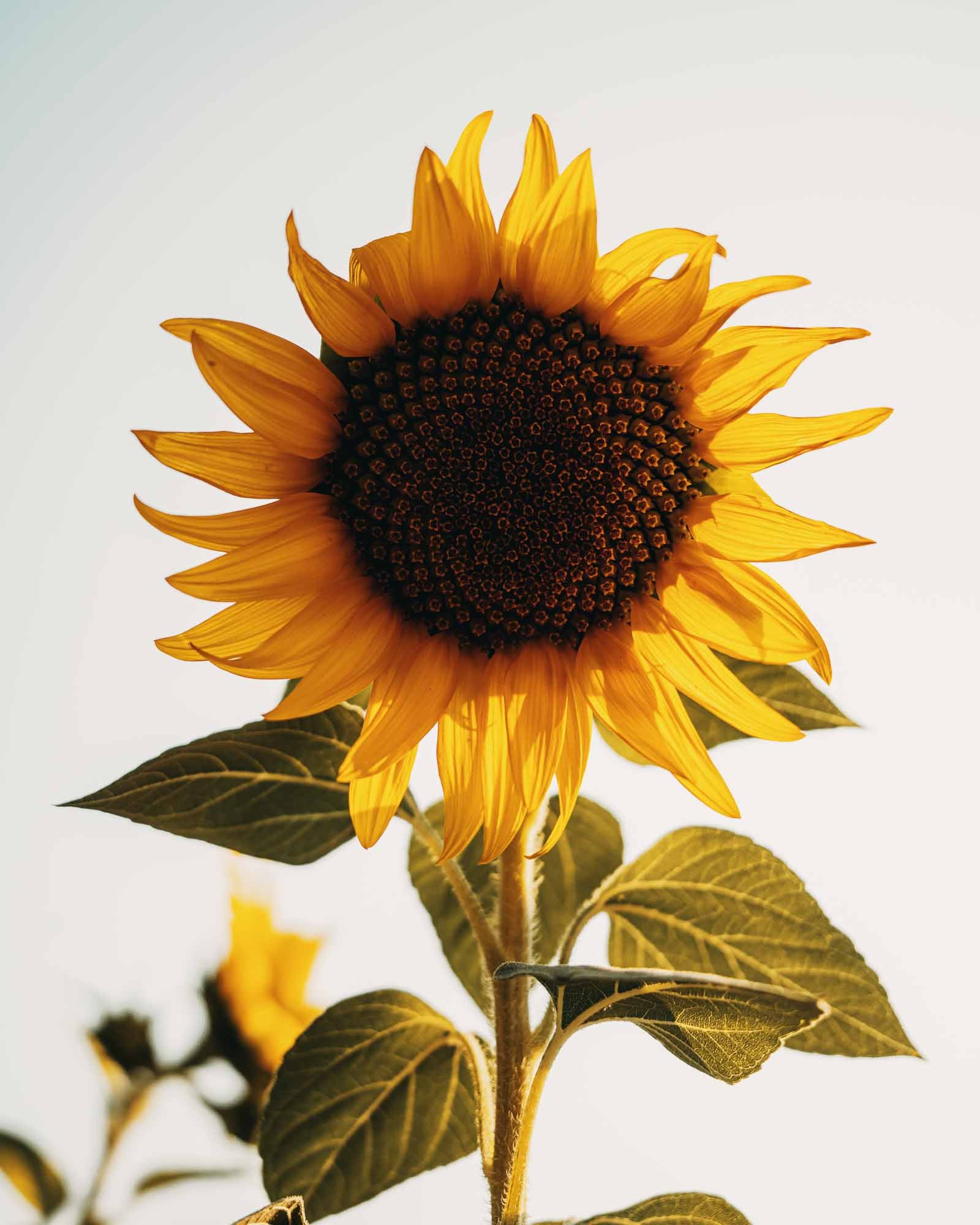
Film Presets in the Wild
Real RAW files. Real edits.




Common Questions
Will these work with my camera (Sony, Canon, Fujifilm, iPhone)?
Yes, our profiles are universally compatible. Whether you shoot RAW on a Sony A7IV, a Canon R5, or a Fujifilm X100V, the color science will map correctly. They also work beautifully on iPhone ProRAW and standard JPEGs (Best results on ProRAW).
What is the difference between a "Profile" and a "Preset"?
Most presets simply push your basic adjustments around, limiting your ability to edit. Modern Negative uses deep-level3D Look Tables (LUTs)to remap color science at the sensor level, giving you a foundation that sliders alone cannot achieve.
Do these work on Lightroom Mobile?
Absolutely. The XMP files included in your download will sync automatically to Lightroom Mobile via the Adobe Cloud. If you don't use the cloud version, we also include a guide for manual mobile installation. You can edit your street photography on your phone with the exact same engine used on desktop.
Do I need a paid Adobe subscription?
Not necessarily.
- Desktop: You need Lightroom Classic (v7.3+) or Lightroom CC.
- Mobile: You can use the free version of the Lightroom Mobile app. However, you will need a desktop computer initially to install the XMP files so they can sync, or use the manual DNG method included in your download.
Are these hard to install and use?
They are designed to be "One-Click" solutions. However, film profiles rely heavily on a correct exposure and white balance. Your download includes our MN Toolkit and a guide on how to make minor adjustments (usually just Exposure + Temp) to get the perfect look every time.
What is included in the "MN Toolkit"?
The Toolkit is a utility pack included with every purchase. It contains helper tools to modify the look without changing the color. It includes dynamic grain controls, lens correction toggles, and contrast curves to help you match different lighting conditions.
What if they don't look good on my photos?
No problem! We offer a 14-Day Quality Guarantee. If you aren't getting the results you want, email us at hello@modernnegative.com. We will look at your RAW files and give you specific advice on how to dial them in. If we still can't get you the look you want, we will issue a full refund.